01
Project Overview
As SpotDraft evolved from a single-point solution into an enterprise platform, the navigation became a debt-heavy asset. Instead of serving as a guide, it had become a barrier.
It defaulted to a "junk drawer" approach where every new feature is shoved into a top-level menu. This led to a 40% bounce rate from the navigation itself. Users were paralyzed by choice and unable to distinguish between high-level product pillars and granular sub-features.
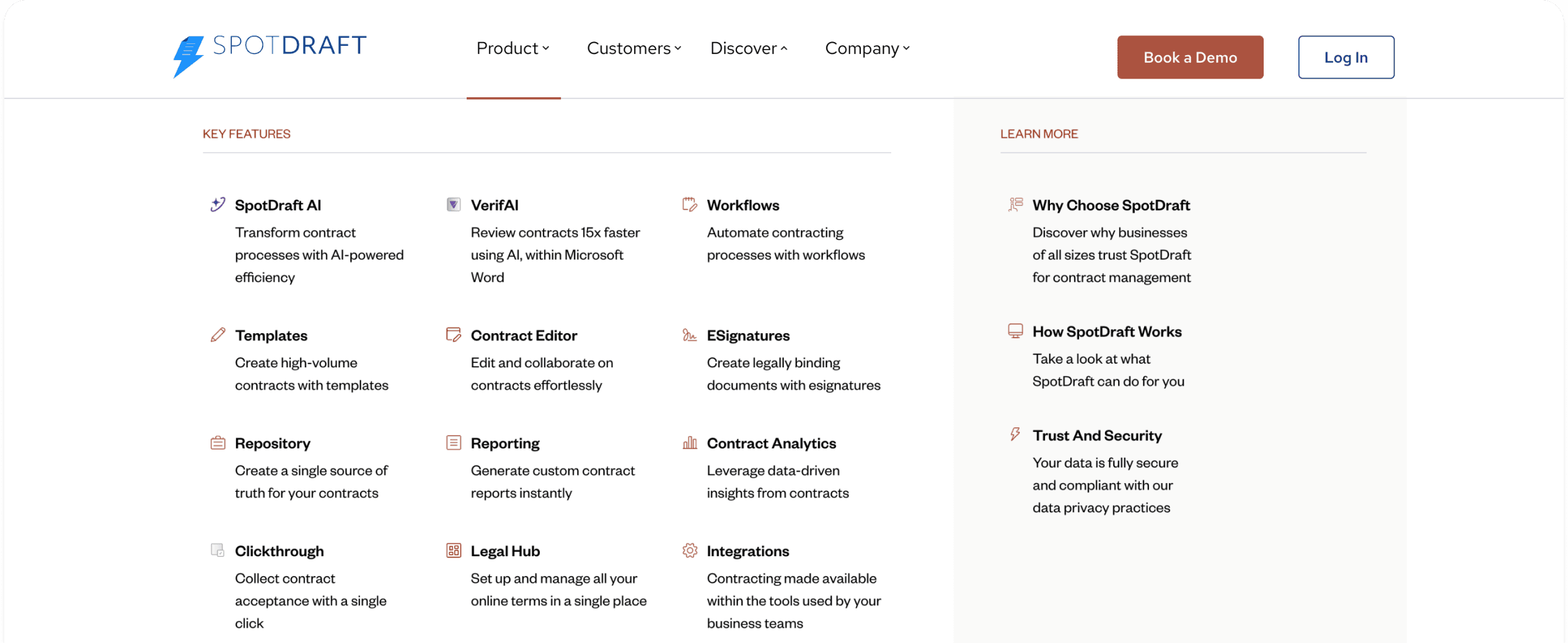
The legacy navigation: A dense structure that created significant cognitive load.
02
Behavioural Signals
Session analysis and heatmaps showed 70% of first-time visitors were clicking the "Product" tab, but 38% were dropping off immediately after the menu opened. We did not need more links, we needed to provide a mental model for the user.
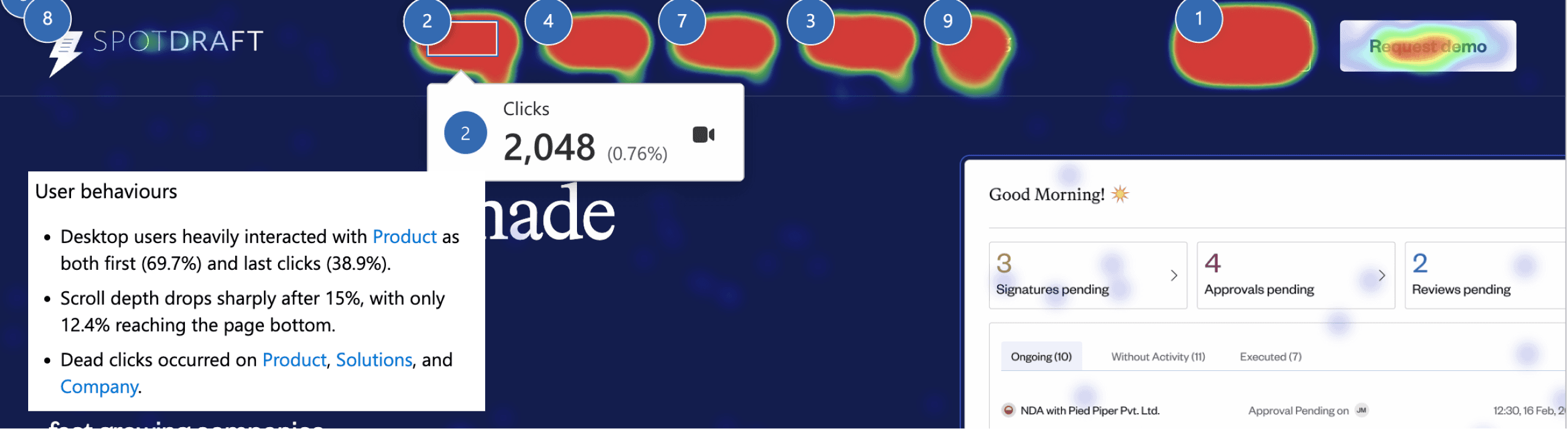
Behavioral mapping via Microsoft Clarity, revealing high drop-off rates and dead clicks within the primary navigation.
03
System Solution
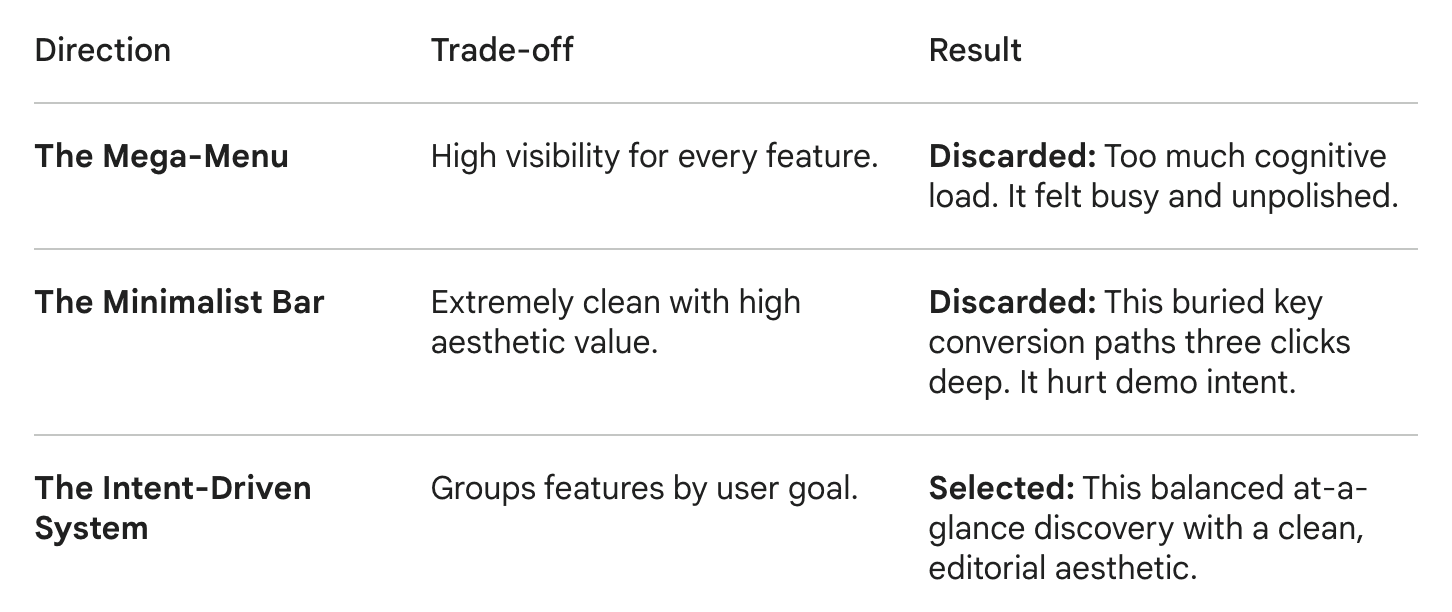
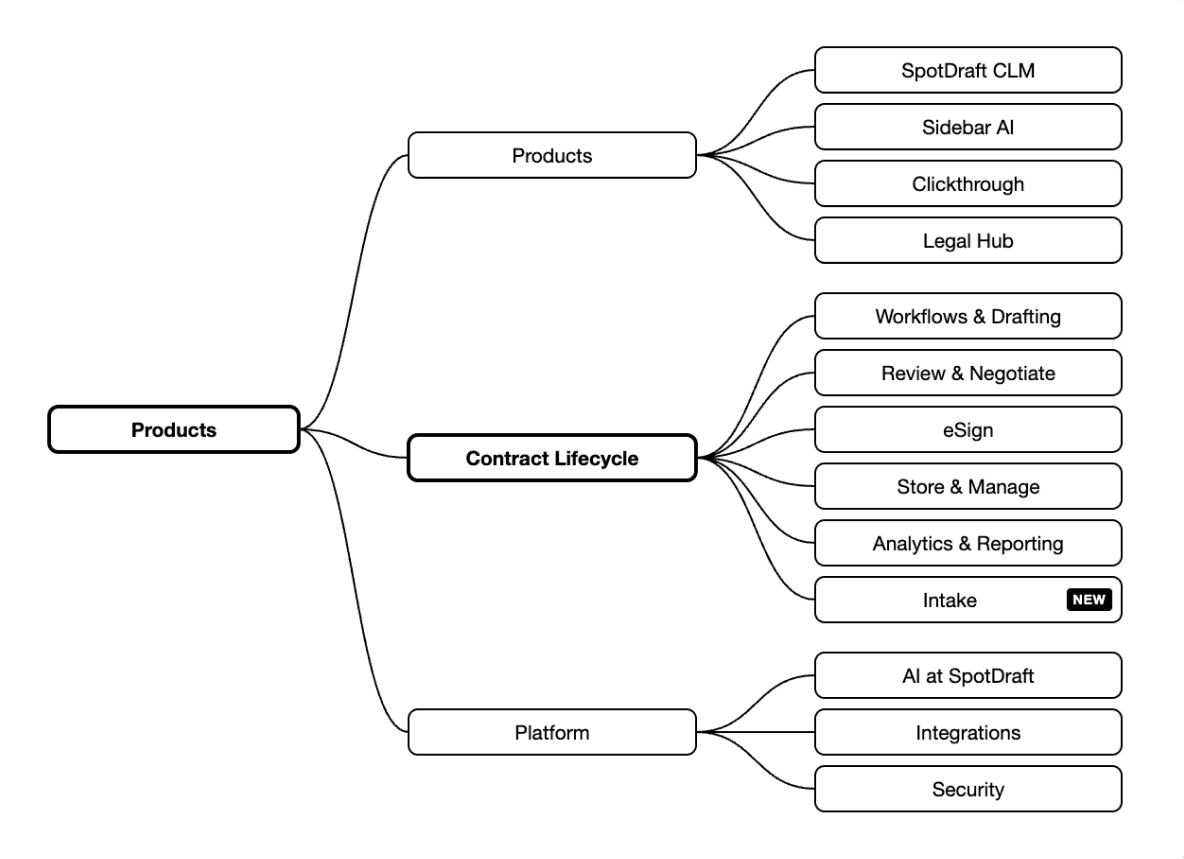
I explored several architectural directions before landing on the final system. I had to design a system that could house current product pillars and also scale without requiring a total redesign. This required a rigid grid-based component system rather than a series of one-off dropdowns.
I built a modular framework that treats each navigation zone as a reusable component.
• Logic-Based Hierarchy: I implemented a "Content Zone" pattern. The left column is for high-level validation (Why SpotDraft?). The center is for specific solutions (The How). The right is for immediate action (The Result).
• Edge Case Optimization: I designed the system to handle hierarchy drift. If a new feature is added, it must pass a "Buyer Intent" test before being granted a slot in the primary nav. Otherwise, it is relegated to a contextual sub-footer.
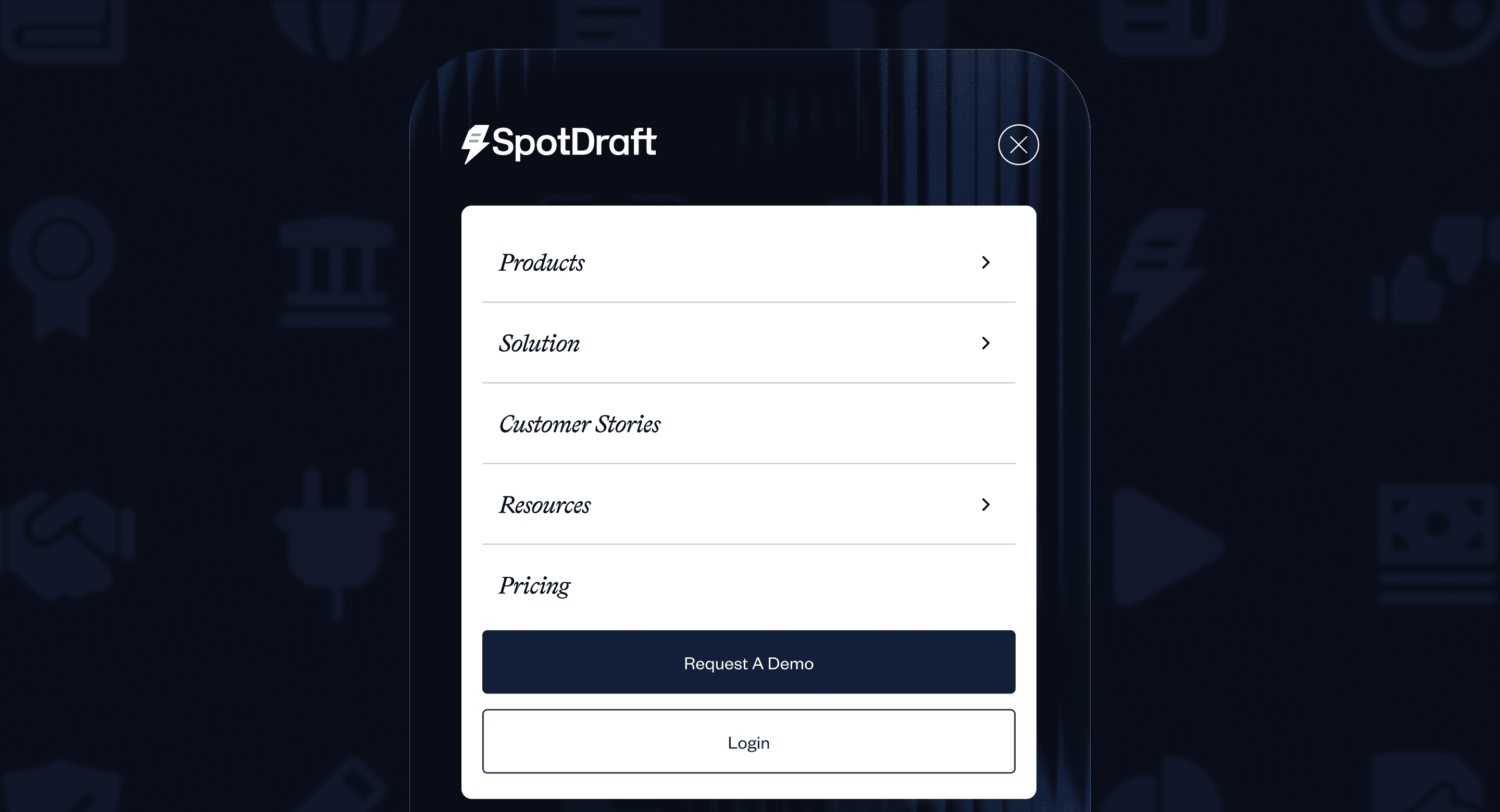
• Mobile Parity: I also rebuilt the mobile logic to ensure the intent-driven categories remained the primary touchpoints. This avoided the endless scroll of a typical mobile hamburger menu.
04
Icon System
The legacy icon set lacked cohesion. Stroke weights varied, metaphors conflicted, and colour was applied arbitrarily. These were static and lacked interaction feedback.
The icon system was rebuilt to support faster scanning and reduce semantic ambiguity within dense environments. Consistent containers, balanced line weights, and a restrained palette support the nav story instead of competing with it. The new set also introduces active states and subtle motion.
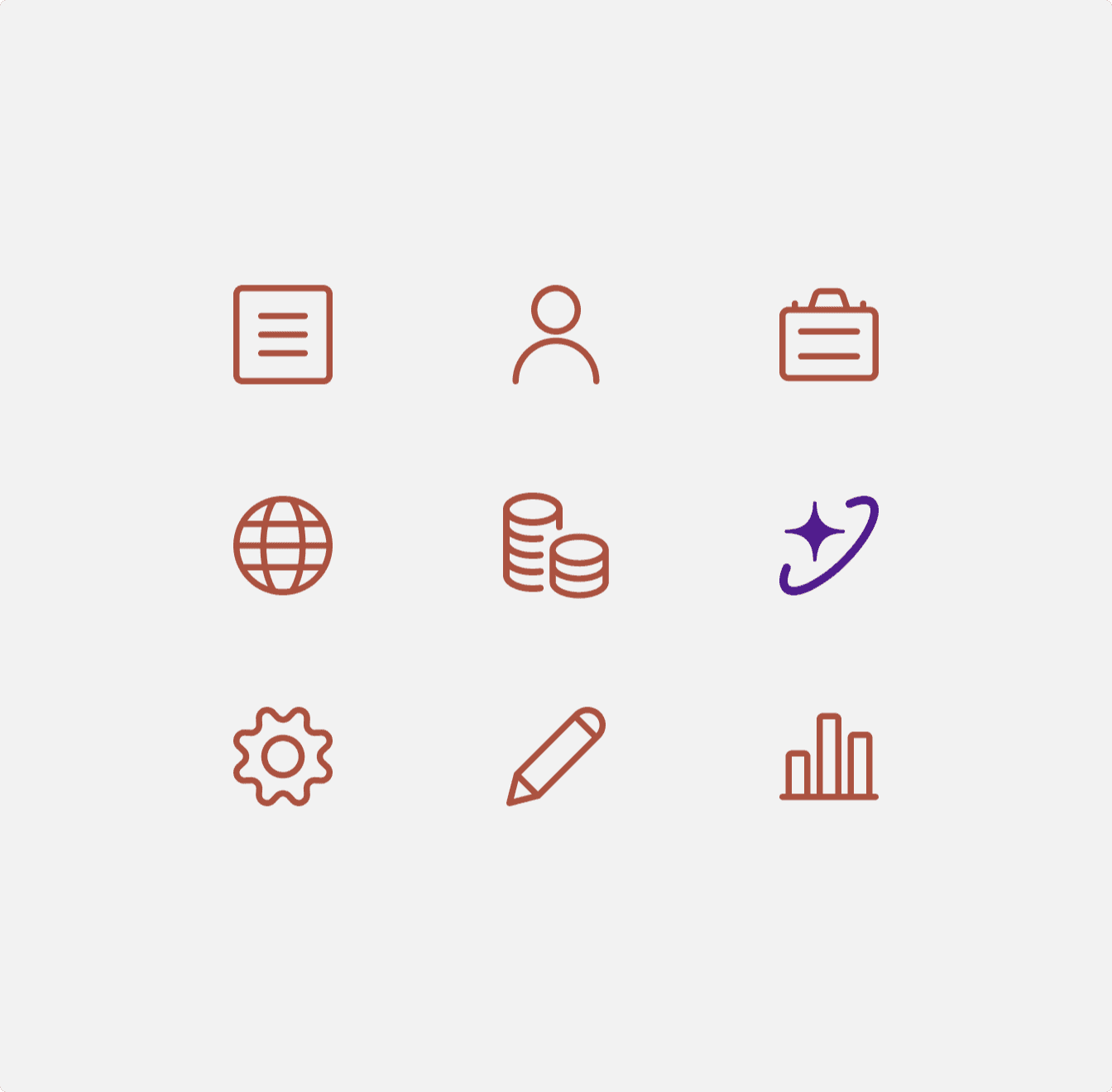
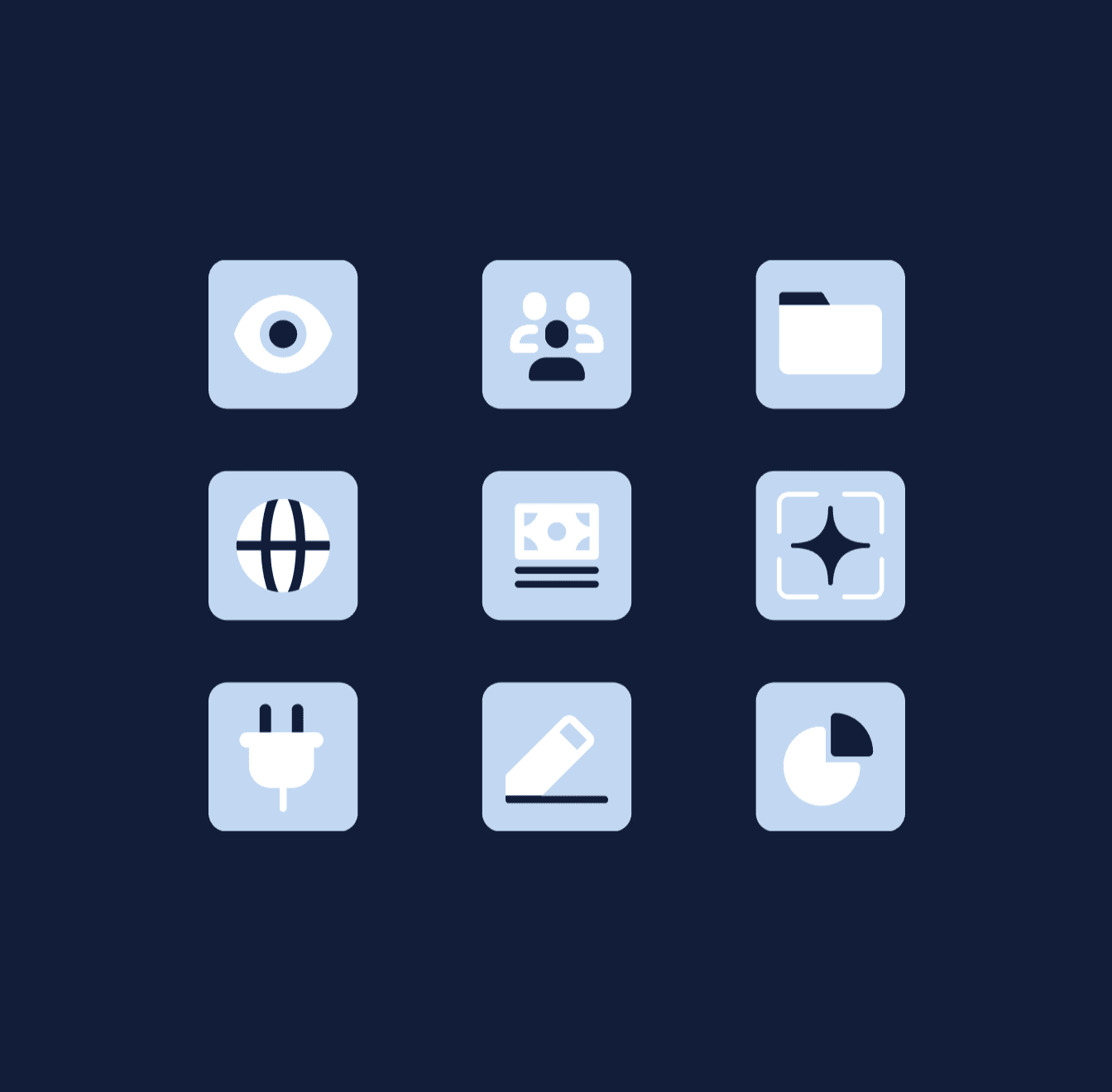
A side-by-side comparison showing the evolution of the icon sets.
05
Footer Design
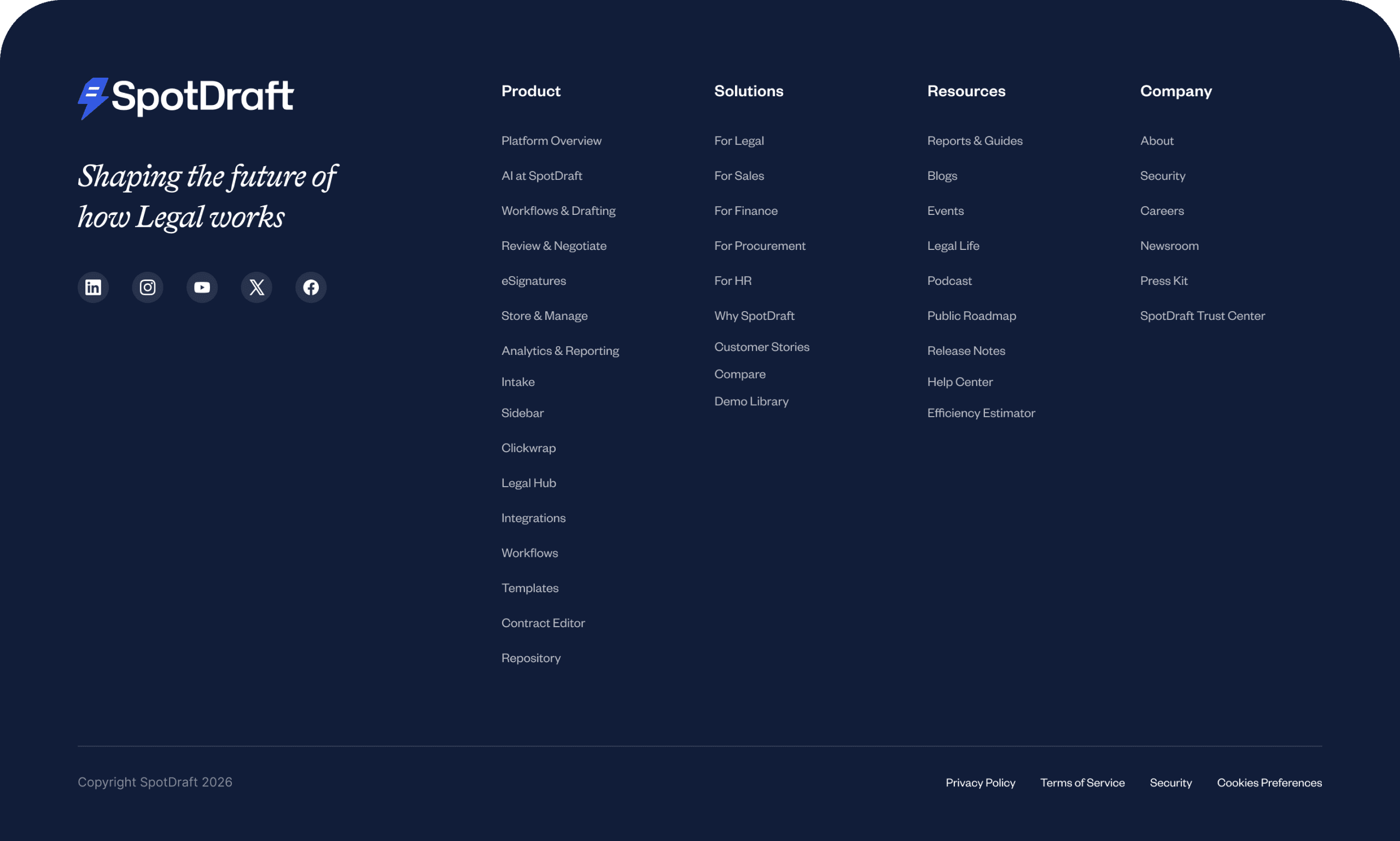
Trust is built in the details. The footer was redesigned as a high-contrast anchor, strategically placing social proof and secondary discovery paths where engagement peaks. It’s a tonal shift that establishes visual separation, organizing complexity into a legible, sophisticated layer.
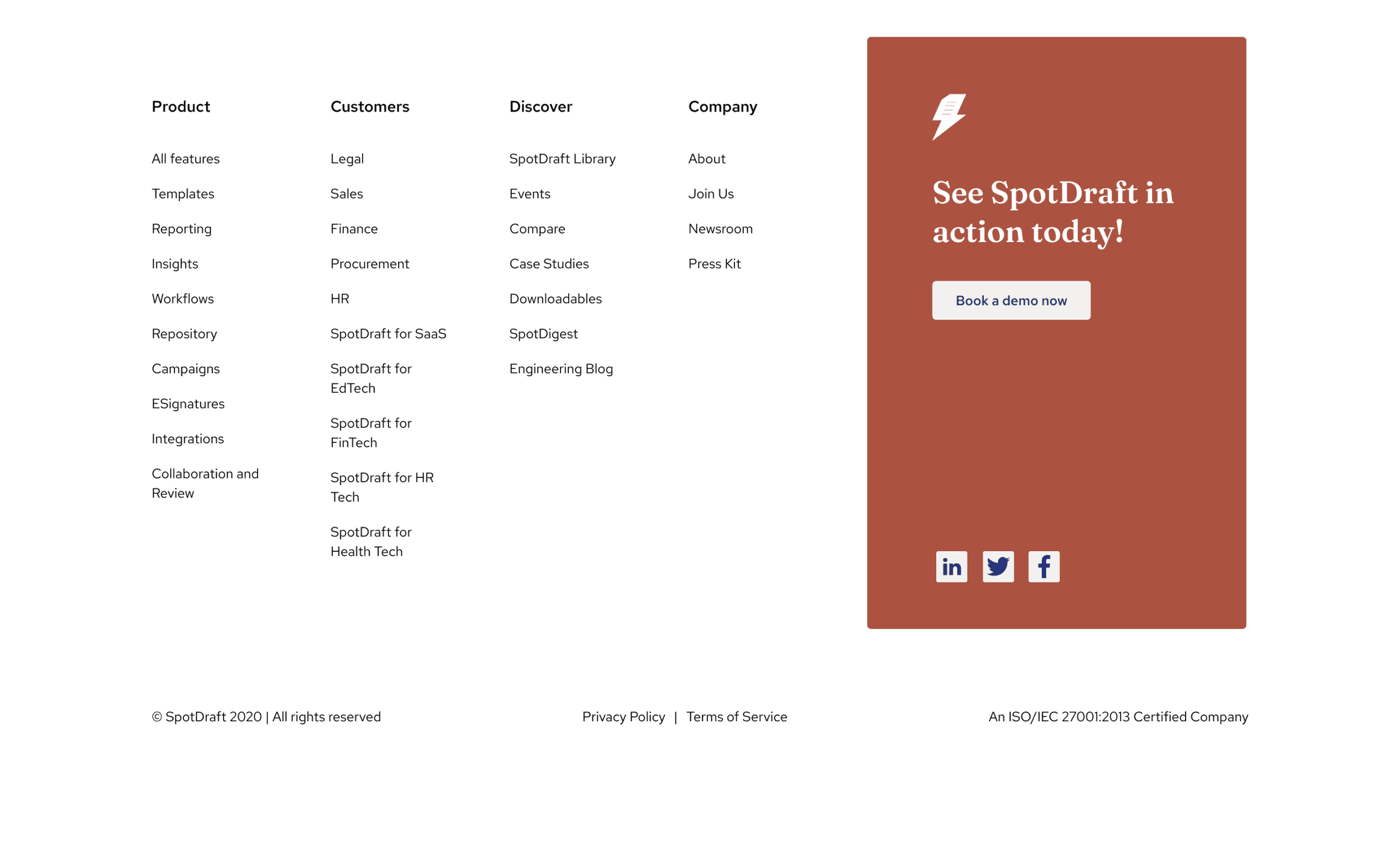
Redesigned as a high-contrast anchor for trust signals and secondary discovery.
06
The Impact
60%
Reduction in dead clicks
28%
Increase in product as first click